Business Automation Software: Complete Comparison 2026
A buyer-focused comparison of automation software options, including when to use no-code tools and when to build a custom AI system.
Ashar Iftikhar
Author · Operations Specialist
Contents
Implementation note
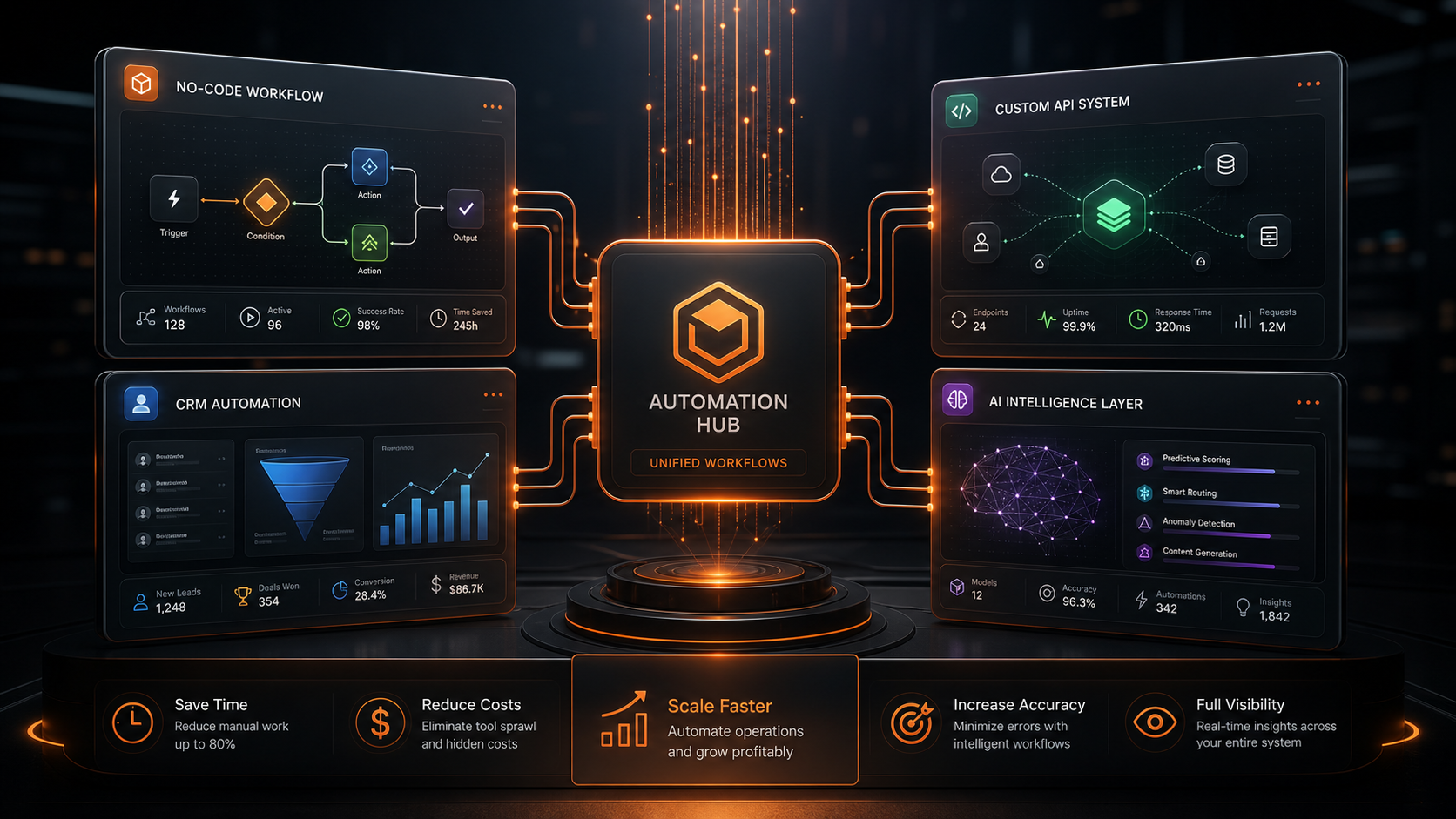
Ashflow approaches business automation software as an operating system problem: map the workflow, simplify the path, connect the tools, add AI where judgment or language is useful, and measure the result.
Types of business automation software
No-code platforms are ideal for simple triggers and lightweight workflows. Code-first tools work better when logic, reliability, or ownership matters.
AI-powered systems add interpretation, summarization, classification, and natural language responses on top of deterministic workflows.
Industry-specific platforms are useful when they already match the business model, but they often become limiting across multiple departments.
Zapier vs Make vs n8n vs custom systems
Zapier is fast and accessible, Make is visual and flexible, n8n gives more control, and custom systems provide the strongest fit for unique operations.
The tradeoff is speed versus durability. Quick automation is valuable, but high-volume revenue workflows need better logging, testing, and ownership.
Ashflow often starts with proven platforms, then wraps custom logic where the business needs an edge.
How to choose the right tool
Choose based on workflow complexity, data sensitivity, team skill, expected volume, and cost of failure.
A newsletter signup workflow can live in no-code. A sales qualification pipeline that affects revenue should usually have stronger architecture.
If a workflow touches money, compliance, or customer trust, pay more attention to reliability than monthly subscription cost.
ROI timeline
Simple automations can break even in weeks. Cross-system AI workflows usually pay back over three to six months.
The fastest ROI comes from lead response, support deflection, billing cleanup, and reporting automation.
A good implementation roadmap sequences these wins before deeper operational rebuilds.
How this connects to the Ashflow system stack
For ai automation, Ashflow connects the workflow to CRM, communication, reporting, and audit-ready tracking instead of leaving it as a disconnected automation.
The system should produce both operational output and leadership visibility: what happened, what changed, and what needs attention next.
That is what turns a useful automation into a business asset that can be improved over time.
AI Automation operating leverage snapshot
+27% faster response cycle
A composite ai automation team replaced recurring admin, status checks, and manual reporting with a reviewed automation layer. The result was faster execution, cleaner handoffs, and a clearer path to scale without adding equivalent headcount.
Comparison framework
| Approach | Best for | Risk | Ashflow recommendation |
|---|---|---|---|
| Manual workflow | Low volume and high judgment | Slow response and hidden labor cost | Keep only where trust or expert judgment matters |
| No-code automation | Simple tool-to-tool handoffs | Fragile logic and limited observability | Use for quick wins and prototypes |
| Custom AI system | Revenue workflows and cross-tool operations | Needs stronger setup and ownership | Use when reliability and leverage matter |
Operator checklist
Baseline the current workflow with time, volume, error, and conversion metrics.
Choose one workflow owner and one success metric before implementation starts.
Connect the system of record first, then add AI for classification, drafting, or routing.
Add human review for money, compliance, angry customers, and high-value sales conversations.
Review performance after 14 days and decide whether to harden, expand, or simplify.
Practical next steps
- List the workflows that repeat every week and touch revenue, customers, inventory, reporting, or finance.
- Score each workflow by time cost, error cost, revenue impact, and ease of automation.
- Pick one workflow, ship a reviewed first version, and measure before expanding the system.
Want the Ashflow version of this system?
Book a free market audit and we will identify the highest-leverage automation opportunities inside your current business model.
Get Free AI AuditRelated reading
Frequently Asked Questions
What is the fastest way to start with business automation software?
Start with one measurable workflow that touches revenue, customer experience, or recurring admin. Map the current process, simplify it, launch with human review, and measure the before-and-after impact.
How long does an automation project usually take?
A focused first workflow can often launch in two to four weeks. Larger systems that connect CRM, billing, inventory, support, and reporting usually need a phased 60 to 90 day rollout.
How does Ashflow help with business automation software: complete comparison 2026?
Ashflow designs and deploys practical AI business systems around the workflows that already drive your revenue. The process starts with a free market audit, then moves into a scoped system build with measurable operating outcomes.
"Ashflow is founded and led by Ashar Iftikhar, AI Systems Architect for clients across UAE, USA, UK, and Canada. Founder-led delivery, clear ownership, and direct communication throughout the build."
Read Ashar's story →Keep building the system

Let's fill your calendar with booked clients.
Book a free growth audit. We'll map your biggest opportunities and the fastest path to revenue — whether we work together or not.