LinkedIn Automation: Generate Leads Without Paid Ads
A responsible LinkedIn lead generation system for agencies, consultants, SaaS teams, and B2B service businesses.
Ashar Iftikhar
Author · Operations Specialist
Contents
Implementation note
Ashflow approaches LinkedIn automation as an operating system problem: map the workflow, simplify the path, connect the tools, add AI where judgment or language is useful, and measure the result.
LinkedIn is a trust channel
LinkedIn works because prospects can see your expertise, network, and point of view before talking to you.
Automation should increase consistency, not make you sound generic.
Brand trust is the constraint.
What to automate
Automate research, list building, reminders, CRM updates, content repurposing, and light follow-up prompts.
Be careful with mass connection requests and generic DMs.
Personalization should remain real.
Content and outreach loop
Useful content creates awareness. Targeted outreach starts conversations. CRM capture and follow-up turn conversations into pipeline.
Automation connects the loop so no good conversation disappears.
This is more durable than random posting.
Mid-article diagnostic
Find the highest-leverage workflow before you build
Ashflow can map the fastest automation opportunity and show where the ROI is most likely to appear first.
Get Free AI AuditSequence design
Start with relevance, then a reason to connect, then a useful resource, then a soft invitation.
Avoid pressure-heavy scripts.
High-intent prospects respond to clarity and timing.
Metrics to track
Track connection acceptance, reply rate, meeting rate, qualified opportunities, and closed revenue.
Do not optimize only for connection count.
Pipeline quality is the real metric.
Practical next steps
- List the workflows that repeat every week and touch revenue, customers, inventory, reporting, or finance.
- Score each workflow by time cost, error cost, revenue impact, and ease of automation.
- Pick one workflow, ship a reviewed first version, and measure before expanding the system.
Want the Ashflow version of this system?
Book a free market audit and we will identify the highest-leverage automation opportunities inside your current business model.
Get Free AI AuditRelated reading
Frequently Asked Questions
What is the fastest way to start with LinkedIn automation?
Start with one measurable workflow that touches revenue, customer experience, or recurring admin. Map the current process, simplify it, launch with human review, and measure the before-and-after impact.
How long does an automation project usually take?
A focused first workflow can often launch in two to four weeks. Larger systems that connect CRM, billing, inventory, support, and reporting usually need a phased 60 to 90 day rollout.
How does Ashflow help with linkedin automation: generate leads without paid ads?
Ashflow designs and deploys practical AI business systems around the workflows that already drive your revenue. The process starts with a free market audit, then moves into a scoped system build with measurable operating outcomes.
"Ashflow is founded and led by Ashar Iftikhar, AI Systems Architect for clients across UAE, USA, UK, and Canada. Founder-led delivery, clear ownership, and direct communication throughout the build."
Read Ashar's story →Keep building the system
 SaaS & Lead Generation
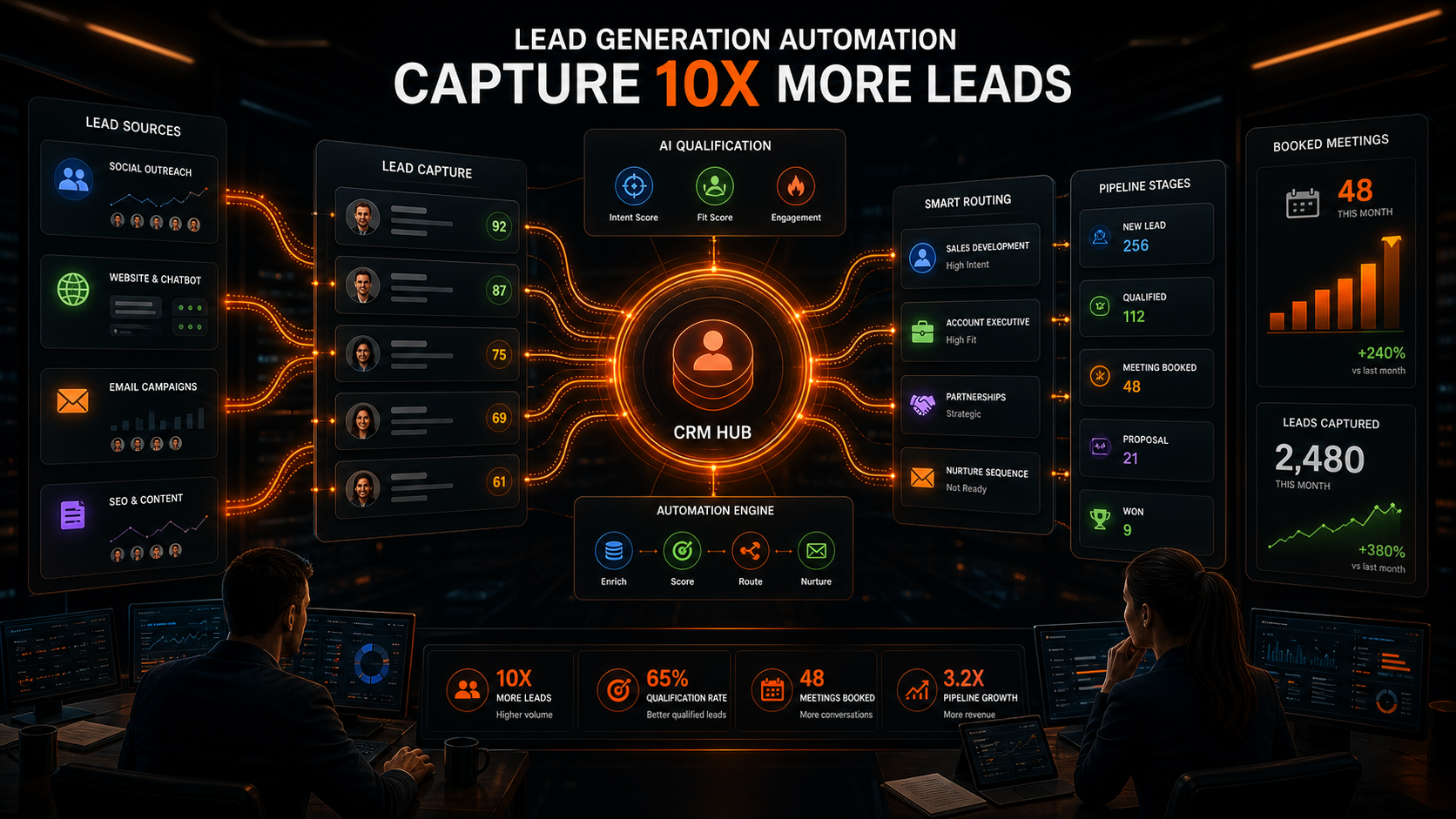
Lead Generation Automation: Capture 10x More Leads
15 min read
 SaaS & Lead Generation
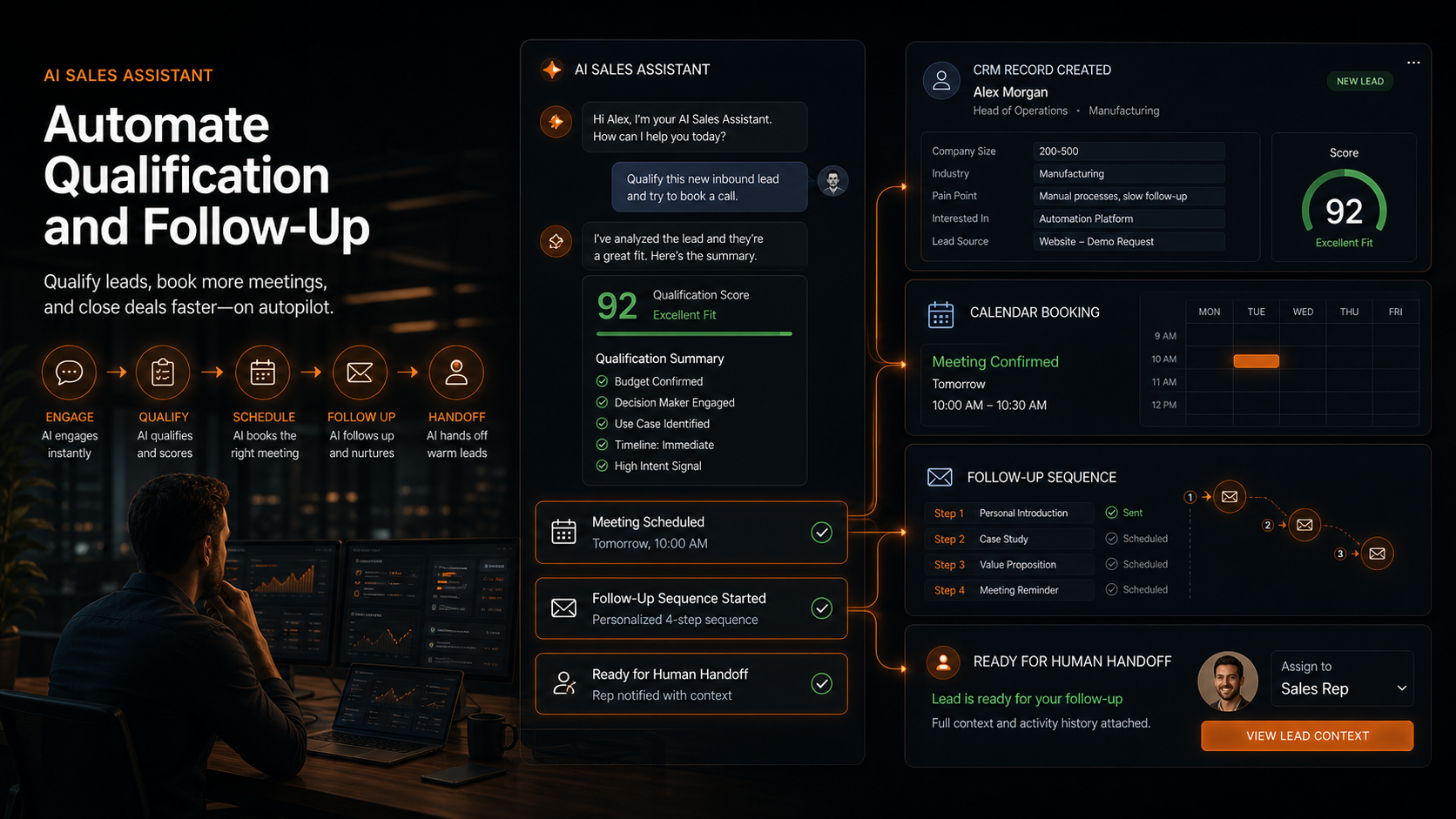
AI Sales Assistant: Automate Qualification and Follow-Up
15 min read
 SaaS & Lead Generation
Sales Automation Tools for SaaS: Complete Tech Stack
11 min read
 AI Automation
AI Automation for Small Businesses: ROI Guide 2026
15 min read
Let's fill your calendar with booked clients.
Book a free growth audit. We'll map your biggest opportunities and the fastest path to revenue — whether we work together or not.